...
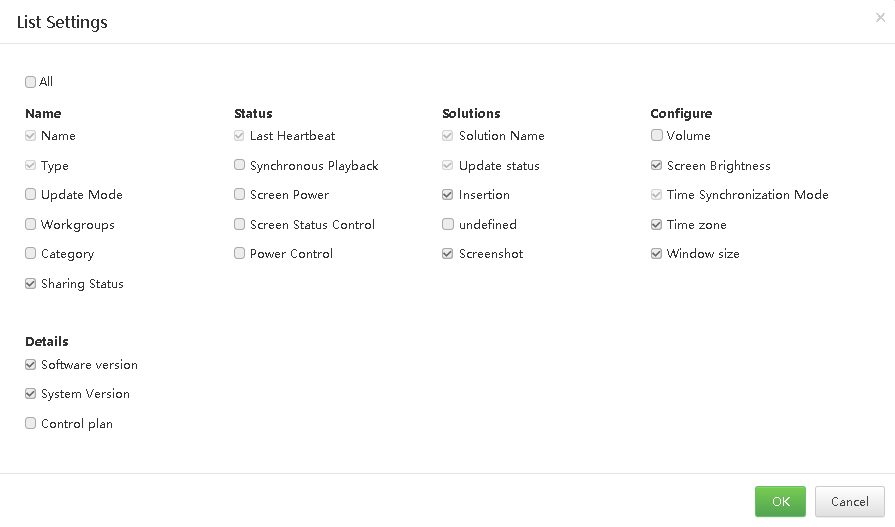
Step 2 Click  to set the information to be displayed on the player list. Select Software version and System version and click OK, as shown in Figure 65-10.
List Figure 5-10 List view settings
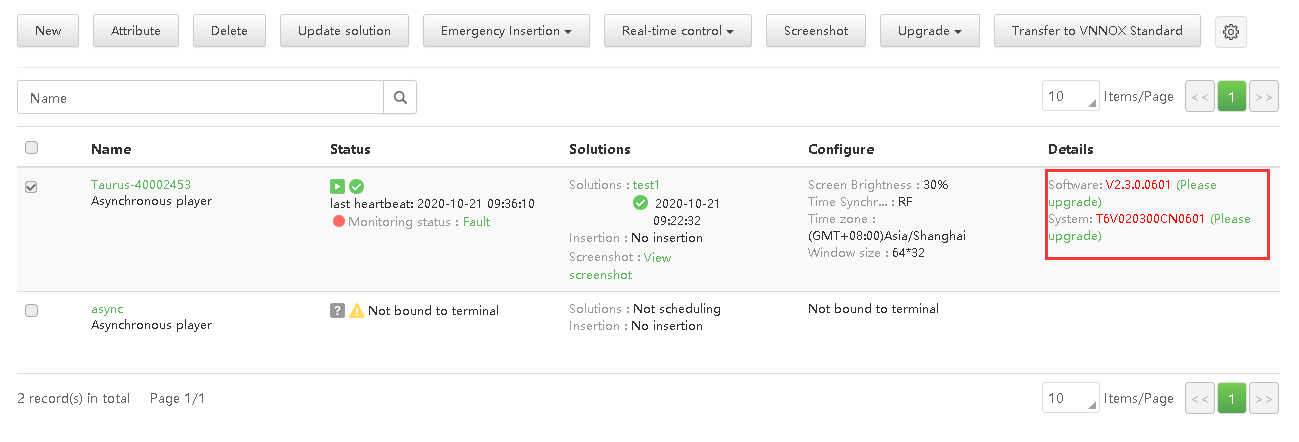
After the settings are done, the software version information of players is displayed in the player list, as shown in Figure 65-11.
Player Figure 5-11 Player software details
Step 3 Do any of the following as required to upgrade the software.
...