手順 1 www.en.vnnox.comにアクセスして、画面の右上にある「Login」をクリックします。
手順 2 サーバー・ノードを選択して、「OK」をクリックします。
手順 3 アカウントとパスワードを入力して「ログイン」をクリックし、サービスログインページに入ります。
図3-1 サービスログインページ
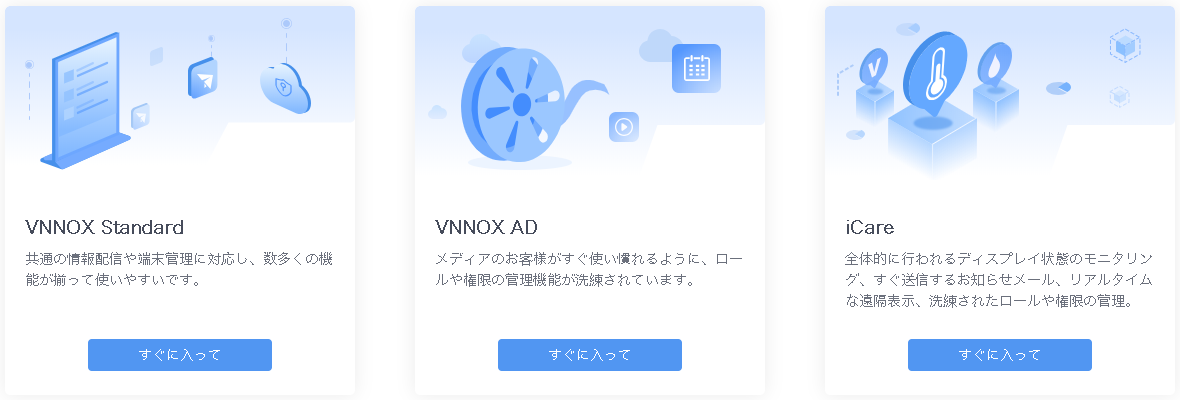
手順 4 VNNOX ADの「すぐに入って」をクリックします。
ユーザーがVNNOX Standardの基本機能をより理解できように、ガイドアシスタントが表示されます。
図3-2 VNNOX Standard