...
For example, the solution below has two areas. If you want to edit the area on the left, tap the area.

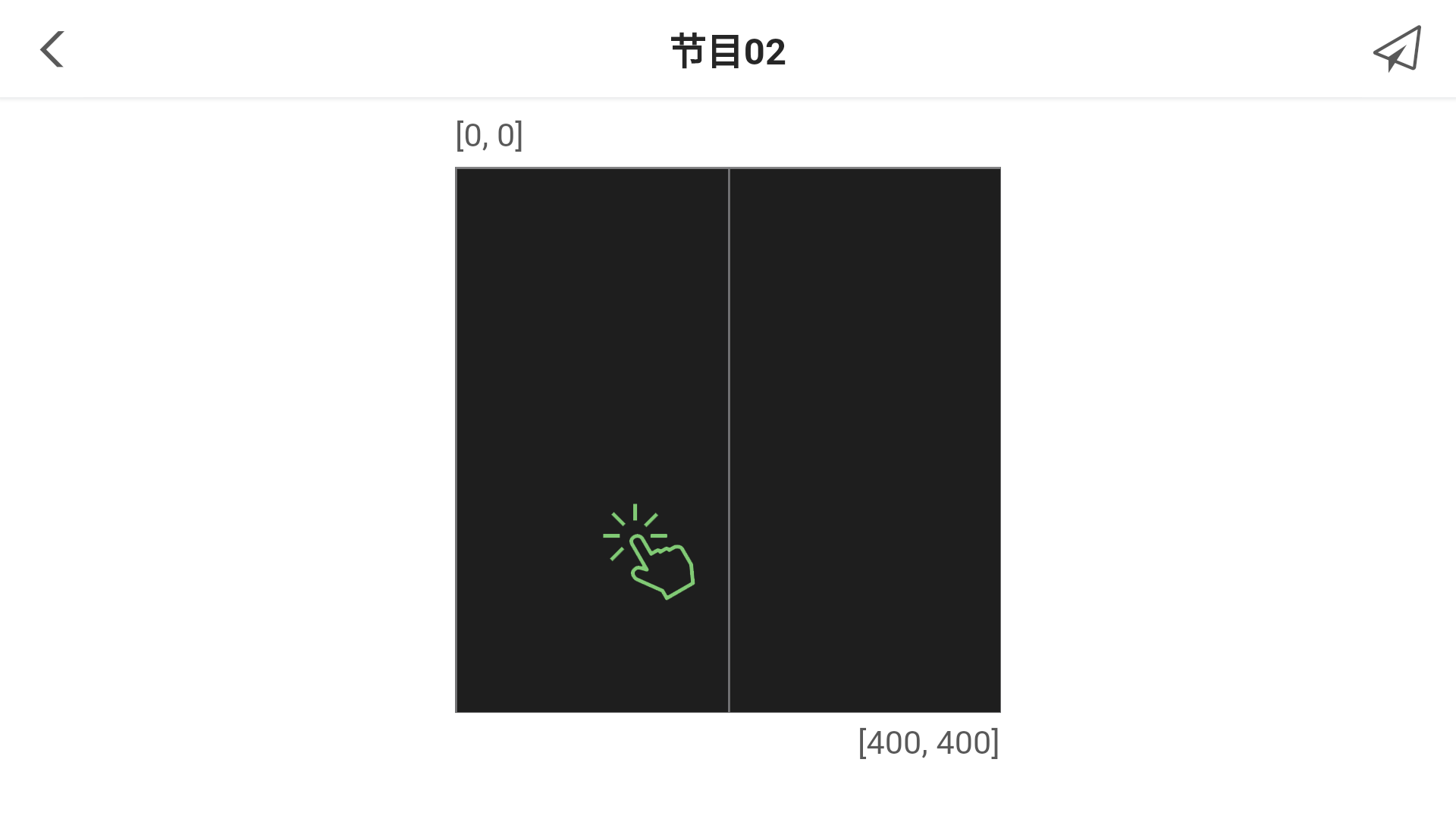
步骤 5 单击 ,选择媒体类型,包括图片、视频、GIF、文本、模拟时钟、天气和数字时钟。
...
| 功能/Function | 说明/Description |
|---|---|
快捷控制 Quick Control | 设置UTC时间、音量、色温。 Set UTC time, volume and color temperature. |
屏体配置 Screen Configuration | 设置带载显示屏的接收卡信息。 Set the information of receiving cards used to load the screen. |
屏体设置 Screen Settings | 设置屏体状态、屏体亮度、接收卡,以及屏体重启规则。 接收卡配置功能仅Android版本支持。 Set screen status, screen brightness, receiving cards and the rules to restart a screen. Receiving card configuration can be done on Android only. |
高级设置 Advanced Settings | 设置登录密码、对时规则、同步播放、分辨率,以及升级软件、立即重启Taurus、清除所有媒体、恢复出厂设置。 升级功能仅Android版本支持。 Set login password, time synchronization policy, synchronous playback and resolution, upgrade software, restart Taurus immediately, clear all media, and restore to factory settings. The software upgrade function is supported on Android only. |
网络设置 Network Settings | 设置Taurus连接互联网的方式,包括WiFi网络、有线网络和移动数据网络。 Set the method to connect Taurus to the Internet, including Wi-Fi, wired network and mobile data network. |
监控 Monitoring | 显示环境亮度、接收卡温度、CPU使用率、可用内存、外部存储空间、时区和时间,以及对播放画面进行截屏。 Taurus连接光探头后,ViPlex Handy才可以显示环境亮度。 Display ambient brightness, receiving card temperature, CPU usage, available memory, external storage space, time zone and time, and take screenshots during playback. |
视频控制 Video Control | 设置视频输入模式、视频源、全屏缩放和输出偏移位置。 Set video input mode, video source, full screen zoom and output offset. |
播放管理 Playback Management | 回读Taurus播放的节目,开始或暂停播放,以及删除节目。 Read back the solutions played by Taurus, start or pause playback, and delete solutions. |
远程管理 Remote Management | 绑定VNNOX的异步播放器与Taurus,以及将显示屏注册到NovaiCare。 Bind the asynchronous players in VNNOX to Taurus and register screens in NovaiCare. |
屏体信息终端信息 Screen Terminal Information | 设置屏体名称和注册地址,以及显示Taurus的软件版本信息和子软件版本信息。 Set screen 用于设置终端名称和注册地址,以及显示终端的软件版本信息和子软件版本信息。 Setting the terminal name and registration address, and display displaying the software version information of the software and child software of Taurusand subprogram version information. |